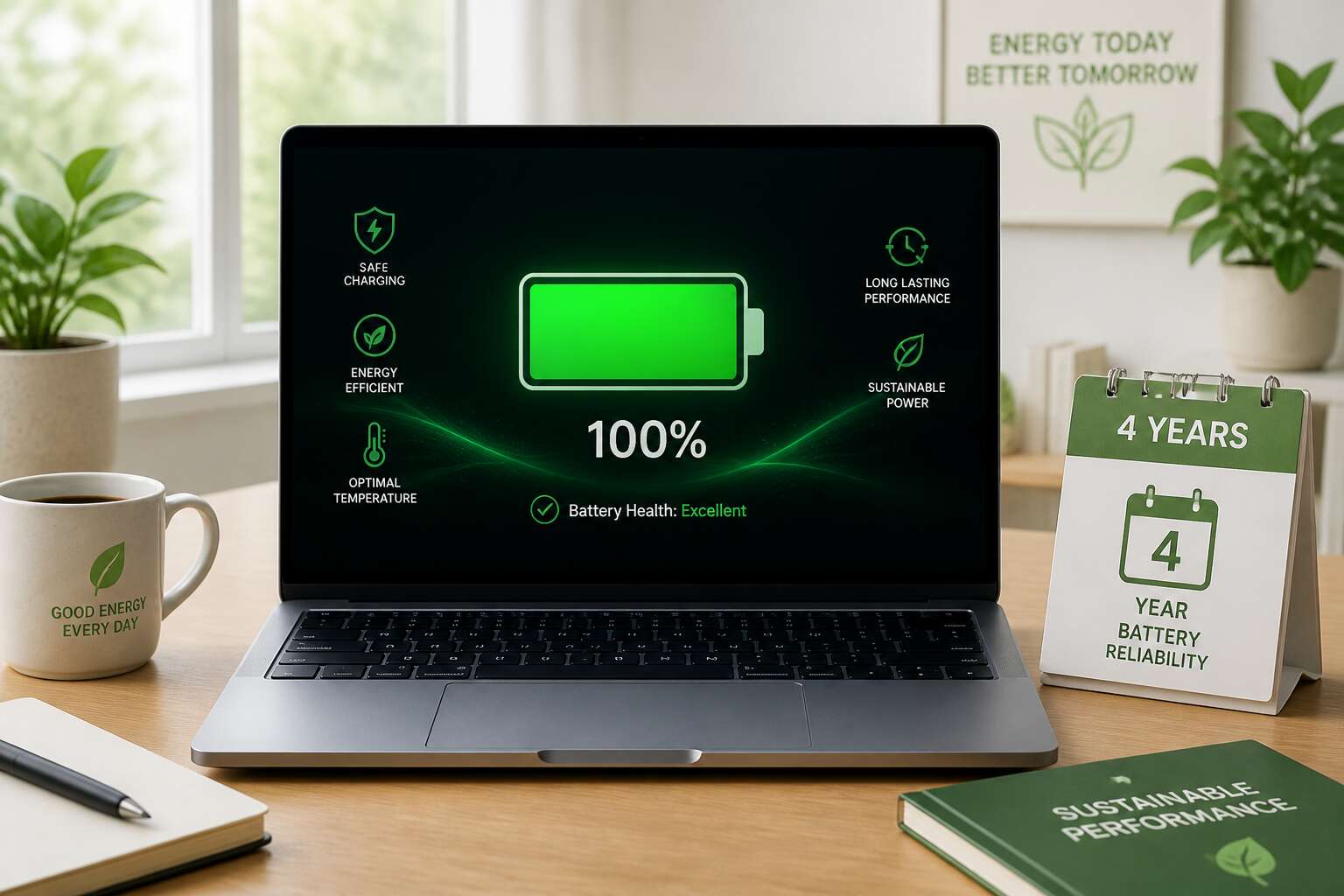
Understanding Laptop Battery Lifespan
Most people assume a battery dies suddenly. It doesn’t. Capacity fades incrementally until one day your laptop shuts off at 30%. I’ve seen a laptop battery 4 years old retain barely half its original charge. The chemistry is the culprit. Every charge cycle oxidizes the electrodes. Heat accelerates this process. Consider what stresses your battery:
- Leaving it plugged in overnight
- Running demanding software while charging
- Exposing it to direct sunlight
That gradual decline is normal. Yet some batteries defy the odds. The difference often lies in charging habits and ambient temperature. A user who keeps their device cool and avoids deep discharges might still get useful runtime. Others face sudden failure before the fourth year mark. Understanding these patterns helps you anticipate performance, not just react to it.
Maximizing Battery Health Over Four Years
Four years of use transforms a laptop battery into a quieter presence. A charge that once lasted a full workday now requires a midday plug-in. The laptop battery 4 years into its life holds less energy, a direct result of repeated charge cycles.
This decline carries emotional weight. We measure our days against the blinking percentage. We develop an attachment to the device, and its aging implicates our own.
- Heat accelerates the breakdown of electrolyte.
- Partial discharges reduce cumulative stress.
- High voltage during storage shortens lifespan.
Yet this battery is not broken. It demands modified routines. You accept shorter windows, you plan around charging sessions, you acknowledge the limits of the chemistry. The machine persists because you adapt.
Recognizing When Your Battery Needs Replacement
Your laptop battery 4 years in will not hold charge the way it used to. The first sign appears as a sudden drop from 40% to 5% without warning. That jump is not a software glitch; it is chemical decay.
Heat is another signal. If the underside becomes hot after light browsing, the cells are struggling. Charge cycle count climbing past 1,000 also indicates lithium ion wear.
- Battery drains within two hours.
- Laptop shuts down despite showing 20% capacity.
- Charging takes over three hours.
These symptoms mean the battery has lost its voltage stability. Ignoring them risks sudden data loss during an important presentation. Replacing the battery restores portability and spares you the anxiety of watching that percentage dwindle.
Choosing a Replacement Battery That Lasts
After four years, a laptop battery holds 70% of its original charge. That decline is not linear; it accelerates as chemical wear sets in. Choosing a replacement that lasts requires more than matching the part number. For a laptop battery 4 years, the original teaches you what to avoid.
I have seen users buy cheap cells to face the same frustration within months. The secret lies in cell quality, not brand logos. Look for batteries with high-grade lithium polymer cells and a proven cycle rating.
- Check the watt-hour rating versus your original specification.
- Verify the manufacture date, not just the model fit.
- Read independent teardowns for real capacity tests.
A battery that lasts another four years depends on thermal management inside your machine. Keep vents clear and avoid leaving it plugged in at 100% for weeks. The right replacement for a laptop battery 4 years balances capacity, weight, and longevity.



0 Comments