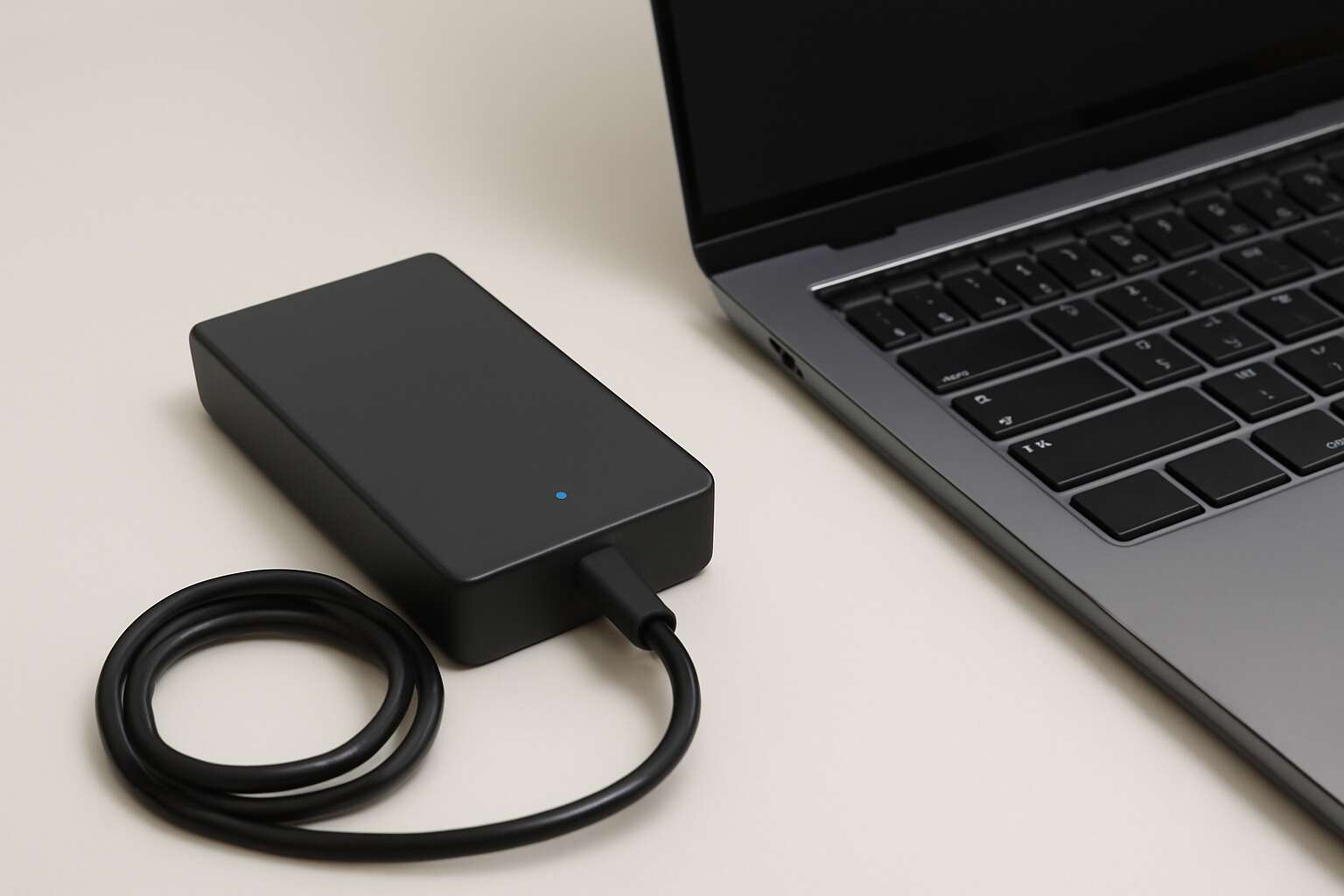
Understanding Laptop Chargers and Their Core Concepts
Definition and core function of charging adapters
Power is the quiet engine of a modern day—it’s astonishing how much it drives us. I feel it every day—the instant the laptop battery charger settles into its groove, a compact power management system that negotiates voltage, current, and safety signals to your battery!
At its core, a charger converts wall power into a precise DC profile that your laptop expects. Its primary function is to deliver the right voltage and current, negotiate charging curves, and shield the system from surges or faults.
- Voltage compatibility
- Current regulation
- Protective features
Here in South Africa, the choice between OEM and reputable third-party chargers hinges on certification, warranty, and build integrity. Such detail matters when you rely on deadlines, meetings, and the fragile rhythm of your day.
How chargers interface with different laptop architectures
Power wears many hats in the modern office, and the laptop battery charger is its most discreet negotiator. Different laptop architectures demand different handshake languages: some accept a straightforward DC-in, others speak USB-C PD, and a few cling to proprietary rituals that feel like a password scavenger hunt. The outcome is a plain truth: the charger must align voltage and current with the device’s expectations, or productivity mutates into a foghorn of alerts.
- Connector type and physical interface
- Communication protocol and on-the-fly negotiation
- Smart charging features and safety handshakes
- Tailored power profiles for edge-case architectures
That interface ballet shapes reliability, longevity, and the peaceful rhythm of a workday—especially here in South Africa, where certification and build integrity keep the lights on when deadlines loom.
Understanding power ratings and connector compatibility
Power is a quiet partner in the modern office—when it speaks, the laptop listens. Understanding how power ratings translate into performance helps teams avoid the nagging interruptions that shadow deadlines and derail creative sprints.
A laptop battery charger speaks in numbers: voltage, current, and the resulting wattage tell it how heavily it can work with a given machine. In South Africa, certified adapters matter as much as build quality, because safety and longevity ride on proper negotiation between device and supply.
- Voltage compatibility (V)
- Current delivery (A)
- Connector fit and polarity
Beyond the basics, smart charging features and honest safety handshakes matter. When the charger negotiates with the laptop, it finds the exact voltage and current the machine expects, smoothing heat and preserving battery health.
Smart charging features and safety protocols
Power is a quiet partner in the modern office—when it speaks, the laptop listens. A well-tuned laptop battery charger becomes the invisible engine behind deadlines and creative sprints, negotiating voltage, current, and safety with finesse. In South Africa, certified adapters matter as much as build quality, because proper negotiation sustains longevity and performance.
Smart charging features and safety handshakes are the unsung guardrails of daily work. The charger and machine exchange a discreet consent—the exact voltage and current are set, heat is kept in check, and battery health is preserved. It feels like a tight, honest protocol that respects both device and user.
- Smart negotiation for safe, efficient power transfer
- Robust safety protocols that detect faults and isolate issues
- Continuous monitoring of temperature and charging state
Types of Laptop Chargers and Power Accessories
AC adapters versus USB-C Power Delivery options
Charging isn’t merely filling a battery; it’s a quiet spell that keeps momentum alive. ‘Power travels on a wire that remembers its destination,’ a seasoned engineer once said, and the sentiment hums through every desk. Two camps: traditional AC adapters and USB-C Power Delivery—a dependable laptop battery charger in the modern toolkit.
AC adapters are sturdy workhorses for a laptop charger—reliable wattage, broad compatibility, bricks that endure. USB-C PD negotiates power with the laptop, trimming bulk and enabling travel-friendly rigs. The choice balances device needs with lifestyle.
- AC adapters: known wattage ranges (65W–240W), broad compatibility with older laptops.
- USB-C PD: dynamic power negotiation, thinner cables, flexible use.
- Check PD profile and connector compatibility for your model.
Across South Africa, students and professionals crave portability with reliability; the right laptop battery charger fits your notebook’s ecosystem and rhythm.
Portable power banks and backup charging solutions
Across South Africa, 78% of students say a dependable charger keeps momentum alive. A laptop battery charger isn’t just a brick of power; it’s the hinge on which a day spins.
Types of laptop chargers and power accessories span portable power banks, USB-C PD bricks, and docking stations that stretch a notebook into a workstation. Think travel-ready skins for coffee shop floors, or rugged builds for semester hops between campuses.
- Portable USB-C PD power banks with pass-through charging
- Slim travel adapters and multi-port hubs
- Docking stations that turn a laptop into a desktop setup
In the field, a reliable setup is less a gadget and more a quiet pact with time. From blue-lit libraries to sunlit courtyards, backup charging solutions—solar chargers, car adapters, or slim multi-port hubs—keep the day alive!
Docking stations and multi-port charging hubs
Across South Africa, 78% of students say a dependable charger keeps momentum alive, turning groggy mornings into quick starts. A well-chosen charging setup is more than a brick of power—it’s a daily compass that guides study sessions and deadlines.
Docking stations and multi-port hubs act as the connective tissue of modern laptops. A docking station can turn a compact notebook into a desktop-like setup, with HDMI, Ethernet, and USB ports at hand. On the move, slim USB-C hubs stretch a single port into a command center.
A dependable laptop battery charger keeps these systems honest and ready when the campus buzz rises again.
Car and travel chargers for on-the-road use
Power on the move is a South African reality. Car and travel chargers aren’t afterthoughts—they’re lifelines for a day that begins before dawn and ends after dusk on campus circuits. Modern options flex with your journey, from compact USB-C PD bricks to rugged 12V car adaptors. A dependable laptop battery charger keeps the workflow honest when the campus buzz rises and deadlines loom.
- USB-C PD car charger with multi-port outputs
- 12V in-vehicle adapters designed for laptops and tablets
- Ultra-compact travel bricks with interchangeable plug heads
- Portable multi-port hubs to spread power across devices
These on-the-road companions ensure you never miss a beat, whether you’re hopping between campuses or chasing a deadline across town!
Choosing the Right Charger for Your Laptop
Matching voltage, current, and connector type
Power is the quiet engine behind every deadline met and every evening completed. In South Africa’s busy offices, a charger that exactly matches your laptop’s voltage and current, and uses the correct connector, keeps the day flowing. A well-matched laptop battery charger respects the device’s ratings and the plug style, preventing heat buildup and wear. The result is steady performance and peace of mind, even on long days when the power line feels thin.
Here are a few connector families you’ll encounter, presented with clarity to guide the eye:
- USB-C with Power Delivery
- Barrel-style power plug
- Proprietary tip for legacy models
When a charger aligns with voltage, current, and the plug type, battery life and performance are preserved.
OEM versus third-party charger considerations
Across South Africa’s busy offices, a mismatched charger can shave up to 15 minutes from a workday. The choice isn’t about price alone—it’s about reliability. When selecting a charger for your laptop, the OEM-versus-third-party question looms large.
OEM chargers deliver the exact voltage, current, and connector that your device expects, minimizing heat and wear. Third-party options can be tempting on price, but mismatch risks linger in the shadows.
- Authenticity, certification marks, and device compatibility
- Warranty terms and local service support
- Reliable safety features and connector integrity
Choosing the right laptop battery charger isn’t just a purchase—it’s a strategic safeguard for long days and longer lifespans.
Safety certifications, warranties, and brand reliability
Uptime in South Africa’s offices isn’t negotiable! The right laptop battery charger is a quiet pillar of productivity, not a hidden risk. Across busy workplaces, a mismatched charger can shave up to 15 minutes from a workday, and reliability isn’t just about price—it’s about steady power delivery and long-term durability. When choosing a charger for your device, safety certifications, warranty terms, and brand reliability matter as much as cost.
- Authenticity, certification marks, and device compatibility
- Warranty terms and local service support
- Reliable safety features and connector integrity
In practice, this trio keeps fleets running and devices happier.
Cost vs. performance, durability, and compatibility
Power is productivity, as the saying goes, and in South Africa’s crowded offices that truth lands with a thud when a charger falters. Choosing the right laptop battery charger isn’t just about price; it’s a careful balance of cost versus performance, durability, and compatibility that keeps teams moving without surprise interruptions.
Consider these pillars:
- Cost-to-value balance: reliable units that minimize replacement cycles and downtime.
- Durability and warranty: robust build, effective heat management, and local service support.
- Connector compatibility and safety: correct voltages, safe certifications, and firmware-friendly design.
In practice, the best choice feels seamless—quiet, steady power that respects your device’s architecture and your budget.
Charging Habits, Battery Health, and Safety Practices
Best daily charging practices to maximize lifespan
“Power is not a feature—it’s the entire workflow,” a seasoned engineer once said. In South Africa’s fast-paced offices, charging habits decide whether a laptop lasts through a demanding day. I’ve found the laptop battery charger is not merely hardware—it sets the tempo for resilience and reliability.
Battery health is a living metric, not a fixed stamp. Heat, charge cycles, and ambient temperature shape capacity in our climate. In South Africa, warmth can accelerate aging, even as daily use keeps systems honest. A well-designed charger respects heat and avoids extremes.
Safety practices hinge on design safeguards, certified adapters, and clear spaces. Trustworthy power sources reduce risk, keeping ideas flowing and equipment calm under pressure.
Impact of heat, overcharging, and deep discharge
A single heat spike can shave hours from a hectic SA workday, and the laptop battery charger is often the unsung tempo setter. It’s not just hardware; it’s the drumbeat that keeps a project alive from coffee to clock-out.
Battery health is a living metric—shaped by heat, charging cycles, and the risks of overcharging and deep discharge as well as ambient warmth. In South Africa, everyday conditions push components toward steady aging even as daily use keeps systems honest. A well-designed charger respects heat and avoids extremes.
- Heat generation and dissipation
- Charge cycle depth and frequency
- Ambient room temperature and airflow
That laptop battery charger is more than a plug—it’s a temperature-tolerant partner in a busy office. Safety practices hinge on design safeguards and certified adapters, and the charger’s role in maintaining calm at the desk. Trustworthy power sources reduce risk and keep momentum during demanding days.
Maintaining performance during travel and storage
In a South African office where coffee cools and deadlines accelerate, I hear the charger hum like a patient metronome. A dependable laptop battery charger is the quiet conductor of momentum, shaping the day from sunrise to clock-out.
Battery health is a living dialogue—heat, charging cycles, and ambient warmth whisper back and forth. A mindful design acknowledges that heat and extremes age cells, while thoughtful power delivery respects the laptop’s rhythm without fanfare.
- Heat-aware design that dissipates quietly
- Respect for charging cycles without pushing to extremes
- Certified safety and reliable adapters
For travel and storage, safety practices and performance converge as the charger accompanies boards through airports and back into quieter moments at home. In the SA workday, this unassuming ally keeps momentum unbroken, even when the day stretches long.
Troubleshooting common charging problems and signs of wear
In South Africa’s office rhythm, the laptop battery charger keeps deadlines in tempo, a quiet conductor. Habits—cool storage, neat cables, steady plugging—preserve momentum when the day crowds in.
Battery health is a living dialogue—heat, cycles, and ambient warmth whisper back. Heat-aware design dissipates quietly; mindful power delivery respects the laptop’s tempo.
Safety practices and reliable adapters fuse, keeping power as steady as a metronome. Certifications, warranties, and trusted brands offer quiet assurance against sparks.
Troubleshooting common charging problems and signs of wear emerge when the charger ages, offering a map of symptoms rather than a map of steps.
- Charger not recognized by the laptop or shows a “unknown device” message.
- Slow or intermittent charging despite a stable connection.
- Brick or cable becomes unusually warm or stiff to touch.
- Visible wear, fraying or damaged connectors on the plug or cable.
When to replace chargers and batteries
Charging habits shape the life of a laptop battery charger; heat, cycles, and ambient warmth quietly write its script. In South Africa’s office rhythm, tidy cables and steady power delivery keep momentum, while a well-kept charger avoids drama at crunch time.
Battery health is a living dialogue; temperature swings and cycling wear whisper back. Safety practices—certified adapters, intact connections, and clean insulation—protect the laptop and data. If swelling, fraying, or unusual warmth appear, a replacement is the prudent course.
When to replace is a quiet boundary—wait for performance to falter, for visible damage to appear, or for persistent charging irregularities. A measured swap preserves safety and reliability, especially with a trusted brand’s laptop battery charger.




0 Comments